


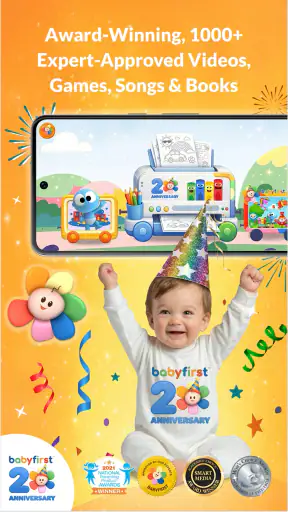
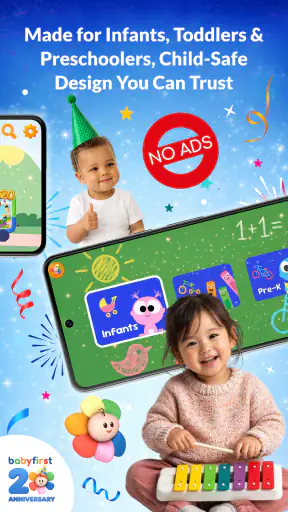
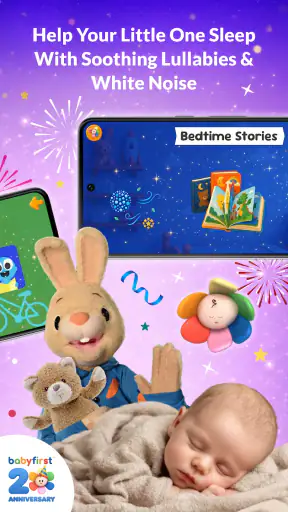
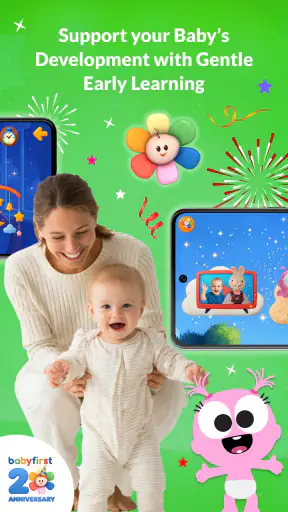
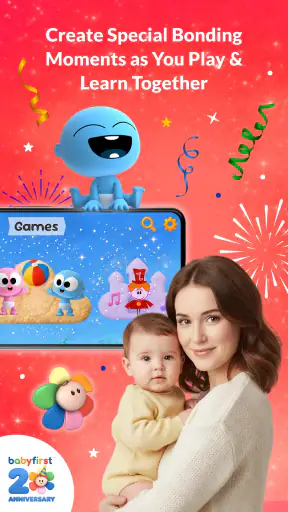
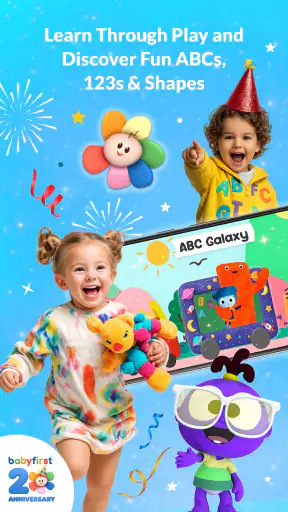
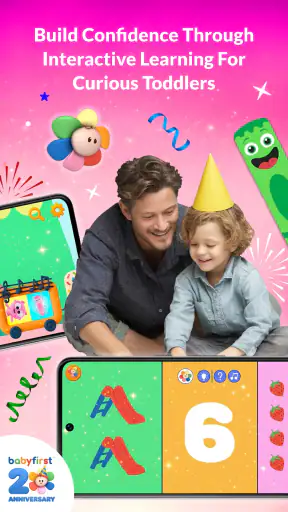
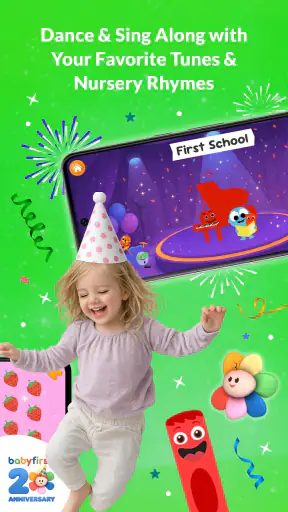
Choosing an educational app for a baby or toddler is less about finding the most impressive feature list and more about finding something that fits real family life. I approached First™ with that in mind: could a parent open it quickly, use it with a young child without turning the moment into a struggle, and return to it without feeling that the app had taken over the routine? My overall impression is that it works best as a gentle shared-learning tool, not as a digital replacement for books, conversation, play, or hands-on discovery.
This is a free education app from First Media US, designed for babies, infants, toddlers, and their families. It is available to an Everyone audience, which makes its intended reach clear, although the experience still depends heavily on how an adult introduces it. The app has been around since September 13, 2012, and its current version is 7.6.2.0. That long presence gives it a more established feel than a brand-new children’s experiment, but it also means parents should judge it by how well it suits their child today rather than by its age alone.
How I Would Decide Whether First™ Fits Your Family
Start with the child, not the download button
The first question I would ask is what you want the app to do. If you need a calm activity to share with a very young child, this is a reasonable candidate. If you are looking for a structured preschool curriculum, measurable progress reports, or a substitute for guided teaching, I would look elsewhere. The app’s appeal is its family-friendly educational direction, while its limits become more noticeable when a parent expects a complete learning program.
Age matters as much as the label on the store page. A baby may respond to bright, simple interactions and a familiar adult’s voice, while an older toddler may want more control and repetition. I would not hand the phone over and assume the same activity will work equally well for both. Instead, I would sit nearby, watch which parts hold attention, and stop when the child becomes restless. That approach turns the app into a prompt for interaction rather than background noise.
What I look for in a toddler learning app
For this age group, I care about four practical things: whether a child can understand the basic interaction, whether an adult can join without feeling lost, whether sessions can stay short, and whether the content encourages something beyond tapping. First™ makes the most sense when it supports a conversation or a small activity away from the screen. For example, I might use a learning moment as a starting point, then point to a similar object in the room, name it, and let the child find another one.
That simple follow-up is one of the app’s strongest possible uses. Young children often learn better when a digital prompt is connected to something physical and familiar. A parent can repeat a word, ask the child to point, or turn the idea into a quick sorting or recognition game using household objects. The app itself is only one part of that routine, but it can make the transition into learning easier when a child is not ready to sit with a book.
Why the family setting matters
The wording around families is important here. I would treat this as a shared app, especially for babies and younger toddlers. A child may not know what to do next, may tap randomly, or may move away after a short moment. That is not necessarily a failure. At this stage, the adult’s reaction often determines whether the experience becomes useful. Naming what appears, pausing before helping, and allowing the child to try again can turn a quick screen interaction into a small lesson in attention and language.
It is also worth deciding where the app belongs in your day. I would choose a predictable moment, such as a short activity after breakfast or while waiting for an appointment, rather than using it whenever a child is upset. If every difficult moment leads directly to a phone, the educational purpose can quickly become secondary. Used deliberately, it can be a convenient tool; used automatically, it may simply become another source of passive distraction.
Where this app is especially convenient
The free entry point makes it easy to test without committing to a purchase immediately. That matters for families because children’s interests change quickly, and an app that suits a nine-month-old may not be engaging later. First™ also has a broad audience rather than being presented as a narrowly specialized tool, so it can be considered by parents, grandparents, or caregivers who want one familiar learning option to explore together.
The app has an average rating of 3.9 from around 8,100 ratings, with roughly 1,600 written reviews. I read that overall signal as “useful for some families, but not universally effortless.” It is positive enough to justify trying, yet not so strong that I would recommend downloading it without observing how your own child responds. A store rating can tell you that the app has found an audience; it cannot decide whether its pace, interaction style, or content approach suits your household.
Where First™ has a practical advantage
Its clearest advantage is focus. Rather than asking a parent to build a lesson from scratch, it offers a ready-made starting point for early learning. That can be valuable during the parts of family life when you have good intentions but very little time. I can imagine opening it while traveling, during a quiet indoor afternoon, or when a child needs a change from toys and books but is not ready for a complicated activity.
Another strength is the possibility of repetition without preparation. Toddlers often want to revisit the same idea many times, and adults do not always have the energy to invent a new game for every repetition. A familiar app can provide a consistent prompt while the parent changes the real-world follow-up. One day, I might connect a concept to clothing; another day, to food or bath-time objects. The digital part stays familiar while the child’s surroundings keep the learning fresh.
The best results come when the screen is the beginning of the activity, not the whole activity. That is the key distinction I would share with a friend. If you simply place the phone in front of a child, the educational value may be limited by attention span and passive viewing. If you use it to ask questions, imitate sounds, point at objects, and continue talking afterward, it becomes much more worthwhile.
A useful routine for busy caregivers
One realistic scenario is a parent preparing dinner while a toddler has already finished the usual toys. I would set up a short session nearby, stay within reach, and use the app as a bridge to the kitchen. After a prompt, I could ask the child to find a matching color, identify a familiar item, or repeat a word. The activity would end before dinner is ready, rather than running continuously in the background. This keeps the app connected to family interaction instead of treating it as a babysitter.
For grandparents and occasional caregivers, the same simplicity can be helpful. A shared app gives them a concrete activity to try without needing to understand a full teaching method. Still, I would explain the routine first: sit with the child, keep the session brief, and talk about what is happening. Without that guidance, any early-learning app can become a sequence of taps with little connection to the child’s actual environment.
What may frustrate parents
The broad family focus can also be a weakness. Parents seeking a clearly staged path may find the experience less satisfying than a dedicated phonics, reading, numeracy, or preschool curriculum app. I would not choose this as the main educational resource for a child who is ready for explicit lessons and steady progression. Its value is more flexible and informal, which is useful for exploration but less useful when you want a defined teaching sequence.
Another limitation is that a young child may not be able to navigate independently. That is normal for the target age, but it affects convenience. If you need an app your child can use alone while you work, this may not be the right expectation. Shared use is safer educationally and more realistic developmentally, yet it asks the adult to remain present. Families looking for independent practice may prefer a product built around older children and clearer self-guided tasks.
How it compares with familiar alternatives
Compared with printed picture books, First™ is more interactive and easier to vary in the moment, but a book usually offers a calmer shared pace and fewer distractions. Books also encourage pointing, naming, and conversation without the temptation to keep tapping. I would use the app when I want a change of format, then return to books for longer, quieter reading.
Compared with general video platforms, a purpose-built education app is easier to frame as an activity rather than an endless stream. However, that does not automatically make every minute more valuable. A parent still needs to choose when to begin and end. If your child is already engaged by songs, stories, or simple household play, an app may add convenience but not necessarily improve the learning moment.
Compared with specialist early-learning apps, First™ appears better suited to broad exposure and family participation than to a tightly measured course. A specialist option may be preferable when you want one skill developed in depth. First™ is the better fit when you want a flexible tool that can sit alongside play, conversation, and ordinary routines without becoming the entire plan.
Understanding the cost before committing
The app is free to download, but it includes in-app purchases ranging from $0.99 to $74.99 per item. That wide range is the main financial detail I would want parents to consider before giving a child access to the device. A free starting point is helpful, yet the experience may invite further spending depending on what a family chooses to access. I would review purchase controls first and make sure a child cannot approve transactions accidentally.
My advice is to begin with the free experience and observe actual use rather than buying immediately. Ask whether your child returns to it willingly, whether you are using it together, and whether it leads to useful conversation away from the screen. If the answer is no, paying for more content will not solve the underlying mismatch. If the app becomes a regular, purposeful part of your routine, then a purchase can be considered as a family decision rather than an impulse made during a busy moment.
This is also where switching costs matter. Moving from First™ to a book requires no new learning for the child, but it may require the adult to prepare more and participate more actively. Moving to a specialist education app may offer clearer progression, but it can also mean adapting to a different style and possibly a different payment model. Staying with First™ is easiest when your priority is convenience and variety; switching makes more sense when you need depth, independence, or a specific skill pathway.
Device and version considerations
On Android, the minimum operating system is version 6.0, so families using an older device should check compatibility before planning around it. The current version is 7.6.2.0, which is the version I would look for when assessing the app today. Keeping the app updated is sensible for access to the current experience, but I would still test it on the actual family device before relying on it during travel or a busy routine.
Because this is an app for very young children, the physical setup matters more than many parents expect. A phone placed too close to a baby can become the entire focus, while a tablet held by a toddler can lead to accidental exits or purchases. I would use a stable position, keep the volume comfortable, and remain close enough to guide the interaction. Those small choices often make a bigger difference than searching for the “perfect” educational app.
Who should choose it—and who should skip it
I would recommend First™ to parents who want a free way to explore early learning with a baby or toddler, especially if they are happy to participate. It is also a sensible option for caregivers who need a familiar, flexible activity that can fit into short gaps in the day. The app’s Everyone rating supports its broad intended audience, but adult supervision remains the practical standard I would follow for the youngest users.
I would skip it if you want a complete preschool syllabus, detailed progress tracking, or a child-led experience that requires almost no adult involvement. I would also skip it if your family is trying to reduce screen use and already has a strong routine built around books, songs, and physical play. An app does not become necessary simply because it is educational. Sometimes the better choice is the activity you already know your child enjoys away from a device.
My recommendation after weighing the trade-offs
First™ has passed the most important test for this category: I can see a realistic place for it in family life. It is not something I would leave running for long stretches, and I would not present it as a replacement for direct teaching or play. Its strongest role is a short, shared prompt that helps an adult start talking, pointing, naming, and exploring with a young child.
The app has more than one million installs, which shows that it has reached a substantial audience, but popularity alone is not a reason to keep it. I would download it because the price makes trying it straightforward, then judge it by your child’s response and your own willingness to stay involved. Pay attention to whether the app creates interaction or merely quiets the room.
My final recommendation is conditional but positive: try First™ if you want a broad early-learning app for shared moments with babies and toddlers, and keep expectations modest. Use short sessions, connect each digital activity to something real, protect purchase settings, and stop when your child loses interest. Families wanting structured lessons or independent practice should choose a more specialized alternative. For everyone else, this is a practical companion to learning at home—not the teacher, but a useful invitation to begin.


